Need to remove an activity from theCoolist? Whether it's a photo or any other activity, you can easily delete any activity you've created. Follow our simple steps below.
We're updating these steps for the new theCoolist app. The screenshots below may not match your app yet. If you can't find an option, email support@thecoolist.io and we'll do it for you.
Quick tip
Once you delete an activity, it will be permanently removed from theCoolist. Make sure you want to delete it before confirming, as this action cannot be undone.
How to Delete an Activity
Follow these two simple steps to remove any activity you've created on theCoolist.
Step 1 of 2
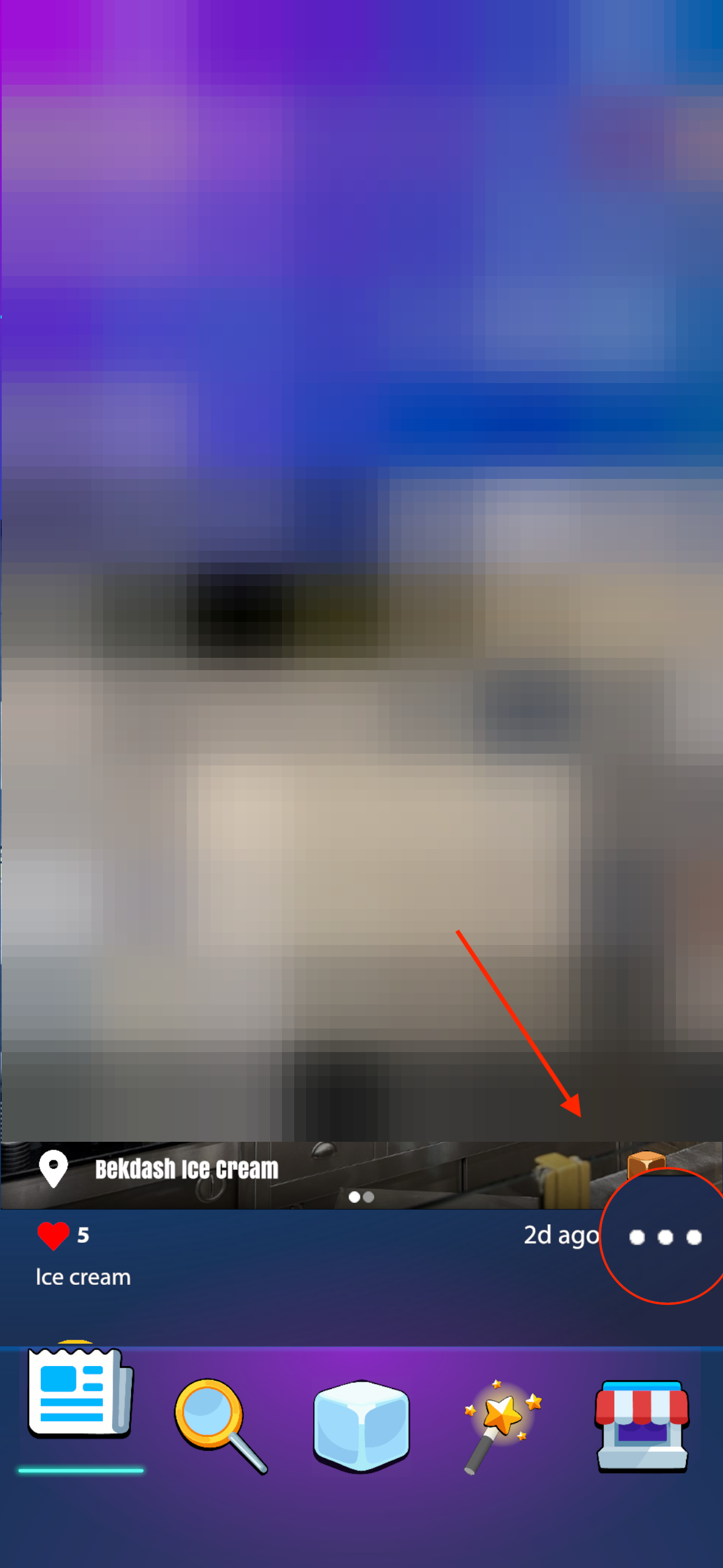
Find the Three Dots
Under the activity you want to delete, look for three horizontal dots (•••). This is the activity menu icon. Tap on it to reveal additional activity options.
Step 2 of 2
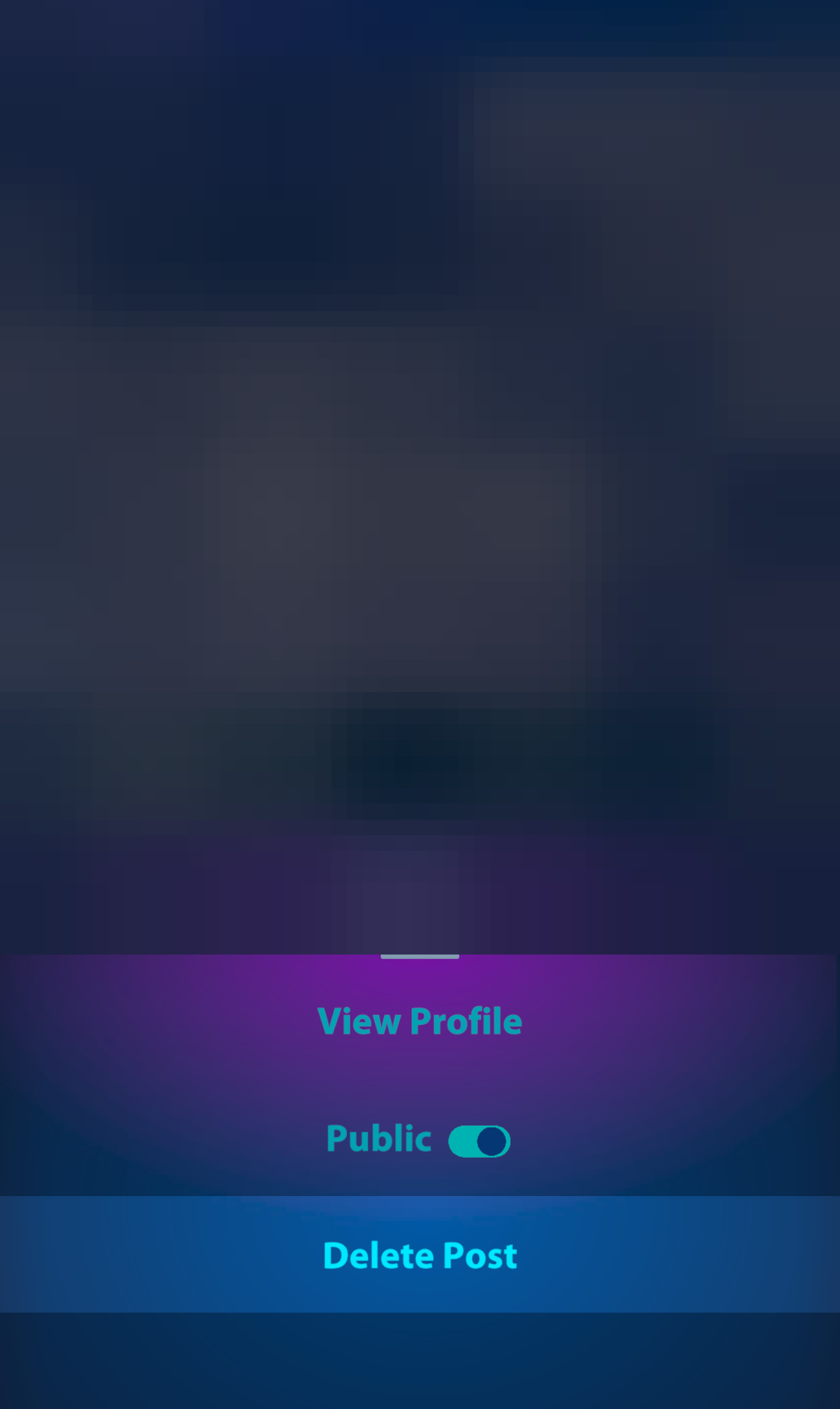
Delete Your Activity
From the menu that appears, select 'Delete Activity'. You may be asked to confirm this action. Once confirmed, your activity will be permanently removed.
This action is permanent and cannot be undone.
Things to Keep in Mind
Only your activitiesYou can only delete activities that you have created. You cannot delete activities made by other users.
Permanent actionDeleted activities cannot be recovered. Make sure you really want to delete the activity before confirming.
Likes & commentsAll associated likes, comments, and interactions will also be removed when you delete an activity.
Having trouble deleting an activity? Need help with something else? Contact our support team and we'll be happy to assist you.